Yes, you can usually recover files from a formatted external hard drive, provided it was a quick format and you have not written new data to it since. A quick format only replaces the drive's file table; the video files stay on the disk until they are overwritten, so a read-only recovery scan can find them and copy them to another drive. A full format, a secure wipe or heavy reuse of the drive afterwards is a different story.
For a tube or adult site, a single external drive can hold years of source scenes, re-encodes, trailers and thumbnails. This guide explains what survives each kind of mistake, how to recover a large video library without risking it further, and when to stop and hand the drive to a professional lab.
What survives a format, a RAW drive or a deleted partition?
| What happened | What changed on the disk | Recovery outlook |
|---|---|---|
| Quick format (Windows default) | New, empty file table written; data left in place | Good if nothing new was copied on |
| Full format in Windows | Every sector overwritten with zeros | Not recoverable by software |
| Drive shows as RAW | File system damaged or unreadable; data usually intact | Often good; do not format to "fix" it |
| Partition deleted, or diskpart clean | Partition table removed; volumes and files untouched | Often good via lost-partition search |
| diskpart clean all | Every sector zeroed | Not recoverable |
| Failing or clicking drive | Physical read errors, getting worse with use | Image first, or use a lab |
The pattern is simple: if a command only rewrote the drive's "index", your videos are probably still there. If it wrote across the whole surface, they are gone. And any new files you save to the drive in the meantime can land on top of old footage.
What should you do in the first hour?
- Stop writing to the drive. Do not copy new scenes onto it, do not let an encoder or download manager use it as a target, and unmap it from any NAS or sync job.
- Ignore format prompts. When Windows says a RAW drive needs formatting, click Cancel.
- Do not run chkdsk on it yet. File system repairs write to the disk. Get your data off first.
- Listen to it. Clicking, grinding or repeated spin-ups point to a hardware fault. Power it down and read the section on failing drives before doing anything else.
- Prepare a destination. You need another drive with enough free space for everything you plan to recover. For a multi-terabyte archive, that usually means a second large external disk.
If the drive is simply not appearing in Windows, the problem may be power, cabling or a missing drive letter rather than a format. Check our guide to an external drive not showing up before assuming the worst.
How do you recover data from a formatted hard drive?
Recovery software reads the disk without changing it, then rebuilds a list of files in one of two ways.
Using surviving records
After a quick format or a deletion, fragments of the old file system often survive. A quick scan reads them and can return files with their original names and folder structure, which is ideal when your archive is organised by site, studio or date.
Reading files by their contents
When the records are gone, a deep scan reads the drive end to end and recognises files from their internal structure, such as the header of an MP4 or MKV. This works after a format but the files may come back without their original names, so you sort by type, size and date instead.
A recovery workflow for a tube site's video library
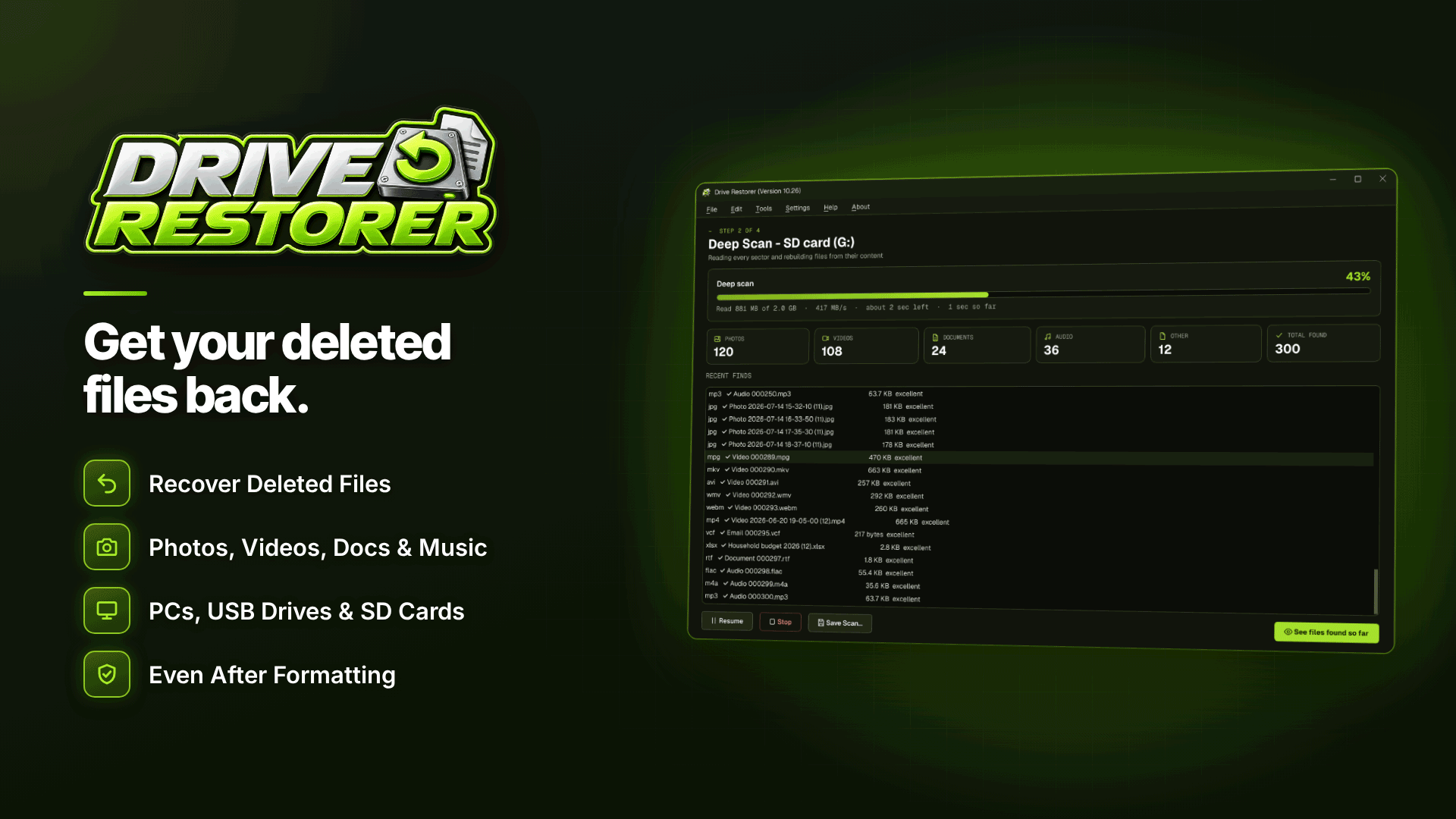
For a Windows workstation, Drive Restorer covers each of these stages. It runs on Windows 10 and 11, needs administrator rights to read drives directly, and works with HDDs, SSDs and USB drives formatted as NTFS, FAT or exFAT.
- Look for lost partitions first. If the drive shows as unallocated after a partition was deleted or diskpart clean was run, the Find Lost Partitions option searches for the missing partition so its files can be read with their structure intact.
- Scan the formatted or RAW volume. The software handles formatted and RAW drives directly. Start with the quick scan; if it finds your folders, you may not need to go further.
- Run a deep scan for the rest. It finds files by content when records are gone. On a large archive this can take hours, so pause it and resume later from Recent Scans, or save the deep scan and pick it up another day.
- Filter down to what earns money. Filter by type (MP4, MOV, MKV, AVI, WMV, TS and others), size and date, and by recovery chance. Your 4K source masters and the files you have not yet published are the priority; re-encodes and thumbnails can be regenerated.
- Preview before restoring. Play clips inside the software to confirm they are the right scenes and are not corrupted, and check each file's rating: Excellent, Good, Partly overwritten or Overwritten.
- Restore to a different drive. The tool never writes to the drive it is scanning. It restores to another disk, keeps names, folders and dates where available, and saves a recovery report you can keep with the archive.
A worked example (hypothetical)
Say a 4 TB external drive holding 900 source scenes was quick-formatted by mistake, then about 200 GB of new encodes were saved to it before anyone noticed. Most of the library is likely to be rated Excellent or Good, but some scenes in the area that took the new files will show as Partly overwritten. You would restore the intact files first, then check whether those partial scenes can be re-downloaded from the content provider rather than trying to rescue damaged copies.
What if the drive is failing or clicking?
A drive with physical problems can get worse each time it is read, and a full deep scan is a lot of reading. The safer route is to create a disk image of the failing hard drive once, then work from that copy. Drive Restorer's drive imaging copies the disk to an image file, skips unreadable areas and lists them, and then scans the image, so the original is not stressed by repeated scans. It can also open existing image files (.img, .dd, .raw, .bin, .001 and fixed .vhd).
Know when to stop. If the drive is not detected at all, makes mechanical noises, was dropped, or the image shows large unreadable areas, a professional recovery lab is the better choice. Software cannot repair heads or motors, and every extra power-on can reduce what a lab can save.
Common mistakes that cost footage
- Restoring onto the same drive. This can overwrite files you have not recovered yet.
- Reformatting a RAW drive to make the error go away. It removes the easy recovery route.
- Running repeated full scans on a failing drive. Image it once instead.
- Expecting SSDs to behave like hard drives. Internal SSDs often erase deleted data quickly through TRIM, so recovery chances there are lower. External USB drives are usually less affected.
- Treating recovery as your backup plan. Recovery is not guaranteed. It is a rescue, not a strategy.
How do you stop it happening again?
A tube site's revenue depends on a steady flow of fresh, well-optimised scenes, as our guide to how tube sites make money explains. Protect that pipeline with at least two copies of every source file on separate drives, label drives clearly so the wrong one is not formatted, and check drive health regularly; our article on monitoring drive health covers the warning signs. If you are still building your setup, how to start a tube site covers storage planning alongside hosting and content.
Frequently asked questions
Does formatting a hard drive permanently delete files?
A quick format does not; it replaces the file table and leaves the data until it is overwritten. A full format in modern Windows writes zeros across the drive, and after that the files cannot be recovered by software.
Can I recover files after diskpart clean?
Usually, because clean removes the partition information rather than the data. A lost-partition search or deep scan can often find the volume and its files. Clean all zeroes every sector and is not recoverable.
Will recovered videos keep their file names?
Files found through surviving records generally keep their names and folders. Files found by a deep scan of their contents often do not, so you identify them by previewing, type, size and date.
Is it worth paying a recovery lab?
For a physically failing drive holding footage you cannot replace, often yes. For a healthy drive that was simply formatted, software recovery is usually enough.
Next steps
Once your library is back, re-check that recovered scenes are still properly optimised for search with our video SEO guide for adult sites, and compare storage and utility tools in the webmaster software directory. If a drive has just been formatted, stop using it and scan it read-only with Drive Restorer before anything else is written to it.