To create a private forum for fans, install self-hosted forum software on your own web hosting, make the forums visible only to an approved members group, require sign-up with email verification (and approval if you want to vet people), and set up moderation and admin security before you invite anyone. You then own the community, the member list and the rules, rather than renting them from a platform.
This guide covers why creators build their own fan community website, how to set one up step by step on ordinary shared hosting, and how to keep it safe, private and manageable.
Why own your fan community?
Fan platforms and social networks can change their rules, fees or algorithms overnight, or close an account with little warning. If your entire relationship with fans lives on one platform, so does your risk. Our guide to building an OnlyFans backup plan covers this in detail.
A private members forum on your own domain gives you:
- A direct line to your most engaged fans that no platform controls.
- Somewhere to build loyalty: polls, behind-the-scenes threads, member-only announcements. See our subscriber retention playbook for ideas.
- A base for other income, from membership tiers to merchandise launches, as part of diversifying your income.
Before you start, check your fan platform's terms on moving fans to external sites and on promoting other services.
Hosted community or self-hosted forum software?
| Hosted community platform | Self-hosted forum software | |
|---|---|---|
| Set-up | Sign up and go | Install on your own hosting |
| Control | Platform's rules and content policy | Your rules, within the law and your host's terms |
| Data | Held by the platform | Held in your own database |
| Risk of closure | Platform can remove you | Only your host and the law |
| Upkeep | Handled for you | Your job: updates, backups, moderation |
For creators, especially adult creators whose content many hosted platforms will not accept, self-hosted forum software on a host that welcomes your niche is usually the more durable choice.
What should a fan community forum include?
Keep the structure small at launch so it never looks empty. A starting layout that works for most creators:
- Welcome and rules: a locked announcement explaining what the community is for and how to behave.
- Introductions: where new members say hello, which gives you an easy way to welcome each one.
- Announcements: your news, schedules and launches, posted by you only.
- General chat: one open area for members to talk among themselves.
- Feedback and requests: a place to run polls on what fans want next.
- A top-tier room: optional, for your most loyal supporters.
Add more forums only when an existing one gets busy enough to split.
How to create a private forum for fans on shared hosting
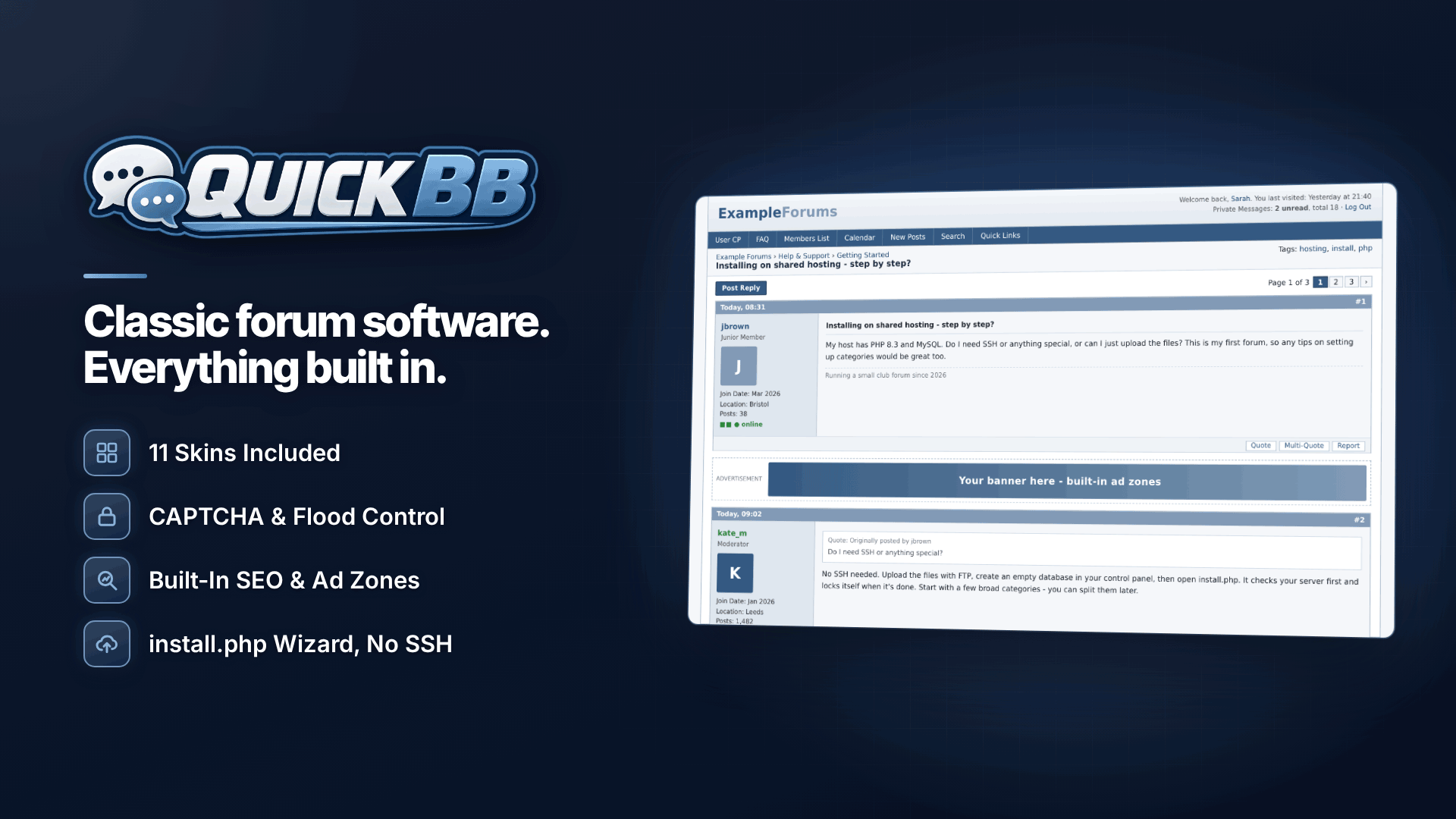
You do not need a developer. Quick BB is self-hosted PHP/MySQL forum software built for ordinary shared hosting: it needs PHP 8.2 or newer, MySQL 8.0+ or compatible MariaDB and Apache or LiteSpeed (Nginx instructions are included), with no SSH, command line or root access required. It has no activation step and does not contact the vendor's servers. A typical setup:
- Choose hosting. Pick a host whose terms allow your type of content and that supports the requirements above. Our adult web hosting directory lists adult-friendly options.
- Create a database in your hosting control panel and note its name, user and password.
- Upload the files and run the installer. The eight-step browser installer checks your server, creates the tables, sets up your admin account and then locks itself.
- Secure your admin account. Two-factor sign-in (TOTP) is required for administrators by default and optional for moderators. Use an authenticator app and store the backup safely.
- Set up email. Configure SMTP and send a test, so verification emails and notifications arrive.
- Brand it. Choose one of 11 skins (Classic Blue is the default, Midnight Black is a dark skin) and use the Style Manager to set your colours and logo.
Making the forum private: usergroups and permissions
Privacy in a forum comes from permissions. Plan your groups first, for example:
- Guests: can see a public welcome page and the sign-up form only.
- Registered, awaiting approval: can see the rules and an introductions area.
- Members: full access to member forums.
- Supporters or VIPs: an extra private forum for your top tier.
- Moderators and admins.
Quick BB's Admin CP manages forums, permissions and usergroups, and registration supports CAPTCHA, email verification and new-member approval, so nobody reaches the private areas until you let them in. Private forums are automatically excluded from the XML sitemaps. Private messages have folders, forwarding and per-group storage quotas; staff cannot be ignored, and moderators have no automatic access to members' private messages.
Forum moderation tools and setting boundaries
A fan community needs clear rules about how members treat you and each other. Write them down, pin them, and enforce them consistently. Our guide to setting boundaries with fans helps you decide what is and is not acceptable.
The Moderator CP lets you edit, delete, restore, lock, move, merge and split threads; a report queue records who reported what, why, and the action taken; and warnings, infractions, suspensions and bans are logged. Spam controls include image CAPTCHA, flood control, honeypots, first-post moderation, banned words and email domains, IP bans and link restrictions for new members. If you add trusted fans as moderators, give them only the permissions they need.
How do you launch the community to your fans?
- Soft launch with a dozen trusted fans, ask them to post and report anything confusing.
- Seed a few threads yourself so the first wave of members finds something to reply to.
- Announce it on your fan page and other channels with a clear reason to join, such as member-only polls or early announcements.
- Show up regularly. A short weekly post from you does more for activity than any feature.
Looking after member data
A forum holds personal data, so UK and EU data protection law applies. People have rights to access their data and, in many cases, to have it erased; the ICO's guide to individual rights explains them. Members can export their personal data themselves, and accounts can be deleted or anonymised. Add a privacy policy, collect only what you need, and use the scheduled database backups with protected restore. If UK users can post, the Online Safety Act also applies even to small communities; see running a small forum under the Online Safety Act. This is general information, not legal advice.
Frequently asked questions
Can I run more than one forum?
Yes. The licence covers installs on your own websites, so you could run separate communities for different brands.
Will it look good on phones?
It uses a desktop-first classic layout. On phones the navigation adapts, and wide tables scroll sideways.
Can I move members from an old forum?
Yes. Importers cover popular open-source forum software and CSV, with dry runs and resumable imports; passwords are never decrypted.
Next steps
Decide who gets in and what they see, write your rules, then install on a test subdomain and invite a few trusted fans before opening up. When you are ready, see how Quick BB handles private forums, moderation and member data.