
To minify HTML, CSS and JavaScript files, you run them through a minifier that strips comments, blank lines and unnecessary whitespace, keeping the code working exactly as before but in fewer bytes. Do it on a copy, test the site, then upload the minified files, ideally alongside pre-compressed GZIP or Brotli versions your server can send directly. On a static or PHP affiliate site, a desktop batch tool can do the whole folder in one pass.
Minification will not fix a slow host or a 3 MB hero image, but it is a low-risk, repeatable way to trim page weight, and it removes a common item from speed-test reports.
What minification actually does
Code is written for humans: indentation, line breaks, comments explaining why something works. Browsers do not need any of that. Minification removes it. A simple example in CSS:
Before: a button rule spread over five lines, with a comment above it and each property indented.
After: .btn{color:#fff;background:#fe9301} on a single line.
Across a theme with several stylesheets, scripts and templates, those savings add up, and they apply to every visitor on every page view.
Safe minification versus risky changes
Not all "minification" is equal. It helps to separate two levels:
| Change | Risk | Notes |
|---|---|---|
| Removing comments | Low | Keep licence comments where licences require them |
| Removing blank lines and extra whitespace | Low | Whitespace between HTML inline elements can matter visually |
| Renaming variables, rewriting code, merging files | Higher | Usually done by build tools; needs proper testing |
| Removing "unused" CSS automatically | Higher | Can strip styles only used by JavaScript or other pages |
For most affiliate site owners who are not running a JavaScript build pipeline, the safe level gives a good share of the benefit with very little to go wrong.
Does minification help Core Web Vitals?
Indirectly. Google's Core Web Vitals are Largest Contentful Paint (loading), Interaction to Next Paint (responsiveness) and Cumulative Layout Shift (visual stability). Smaller CSS and JavaScript files download and parse faster, which can help pages render sooner, especially on mobile connections. Lighthouse, which powers PageSpeed Insights, has long included audits such as Minify CSS that estimate the savings.
Be realistic about the size of the gain. On image-heavy pages, images usually dominate page weight, so tackle those as well; our guide to batch resizing images for an affiliate site covers that side. And where your server response is slow, look at hosting first. For a broader checklist, see our technical SEO checklist for adult sites.
Which minification approach suits your site?
How you minify depends on how your site is built:
- Static HTML sites (hand-built or generated): minify the output folder before each upload. A desktop batch tool fits naturally here.
- Custom PHP sites and templates: minify the CSS, JavaScript and template files before deploying, keep readable originals in your working copy and test pages that mix PHP and HTML.
- WordPress and other CMS sites: themes and plugins are updated from the server, so a caching or optimisation plugin that minifies on the server is usually easier. You can still minify a custom child theme on your PC.
- Sites with a JavaScript build pipeline: your bundler probably minifies already. Check the output before adding another step.
How much will you save?
It varies widely, which is why previewing first is useful. As a purely hypothetical example, a hand-written stylesheet full of comments and generous indentation might shrink by a noticeable fraction, while a vendor library that ships pre-minified will barely change. GZIP or Brotli then shrinks both much further. The point is not a headline percentage but removing waste from files that every visitor downloads on every page.
GZIP and Brotli: compression on top of minification
Minification removes characters; compression then packs what is left. Most servers compress text files on the fly with GZIP or Brotli, and Brotli usually achieves smaller files for text. Two approaches:
- On-the-fly compression: the server compresses each response as it is sent. Easy to enable, but it costs server CPU on every request.
- Pre-compression: you create .gz and .br copies in advance, and the server sends them directly to browsers that accept them. This saves CPU and lets you use maximum compression levels.
Pre-compressed files only work if your web server is configured to serve them (for example, Nginx's static GZIP module or an equivalent Brotli module, or rewrite rules on Apache). Check with your host before uploading them. Our guide to hosting UK-facing sites covers what to ask.
How to batch minify a site folder with File Trimmer
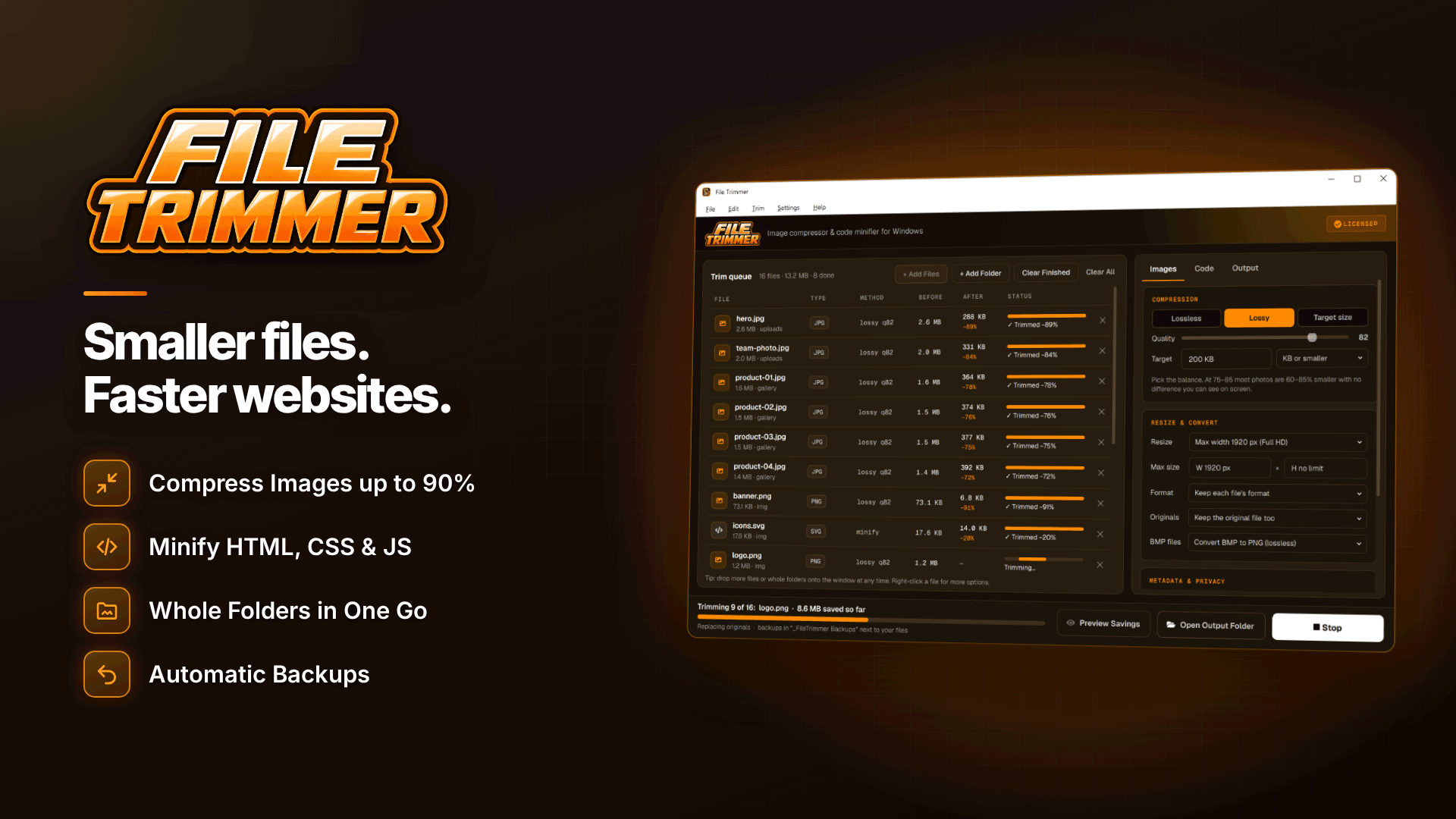
If you maintain a static site, a PHP template set or a theme folder on a Windows PC, File Trimmer handles minification as a desktop batch job. It runs on 64-bit Windows 10 (version 1809 or later) and Windows 11, and processes everything offline on your PC. Relevant features:
- Minifies HTML, CSS, JavaScript, PHP, JSON, XML, SVG and SQL, and tidies text files, by removing only comments, blank lines and extra whitespace.
- Keeps licence and documentation comments if you tick the option.
- Creates GZIP and Brotli copies of web files for pre-compression.
- Processes whole folders and sub-folders with the structure preserved, so the output mirrors your site.
- Backs up originals to a dated backup folder per batch, restorable later, or writes output to a separate folder. It refuses an output folder that would overwrite the originals.
- Preview Savings shows the expected reduction per file before anything changes, and a before-and-after report can be exported as CSV.
Because it only strips comments and whitespace, code behaviour is not altered, and invalid JSON, XML or SVG files are left untouched rather than mangled. The one caveat to watch: removing all whitespace between HTML tags can shift some layouts, for example the gap between inline buttons or links.
A safe minification workflow, step by step
- Download a fresh copy of the site files from your server or repository.
- Run Preview Savings to see which files will shrink and by how much. If a file shows almost no saving, it may already be minified.
- Minify into a separate output folder, with licence comments kept.
- Create GZIP and Brotli copies if your server is set up to use them.
- Test locally or on a staging site: check navigation, menus, forms, affiliate links and tracking scripts.
- Upload the output, not the backup folder. Backup folders should never be uploaded to a live website.
- Re-test with PageSpeed Insights and keep the CSV report as a record.
Keep a source copy. Minified files are hard to edit. Keep your readable originals as the working copy and minify again each time you deploy, rather than editing minified code.
Common minification mistakes
- Minifying already-minified vendor files, which gains nothing.
- Editing the minified version and losing changes the next time you run the tool.
- Stripping licence comments from third-party libraries.
- Uploading .br files to a server that does not know to serve them.
- Forgetting to clear your CDN or caching plugin after deploying.
- Skipping the test, then discovering a broken tracking script days later.
Speed work fits into a wider review; our affiliate site audit checklist helps you prioritise.
Frequently asked questions
Is it worth minifying HTML?
Usually yes for large templates, though savings are often smaller than for CSS and JavaScript, and server compression already narrows the gap. Test layouts afterwards, as whitespace between inline elements can matter.
Will minifying PHP break my site?
Removing comments and whitespace does not change what PHP does. Still test on staging, especially templates that mix PHP and HTML.
Should I use a WordPress plugin instead?
Plugins minify on the server and suit dynamic CMS sites. A desktop tool suits static sites, custom PHP templates and themes you deploy from your PC.
Next steps
Pick your heaviest template or stylesheet, run a preview, and measure the difference in PageSpeed Insights before and after. If you are still choosing where to host, browse our adult web hosting directory. To minify, pre-compress and back up a whole site folder in one pass on Windows, try File Trimmer.



