
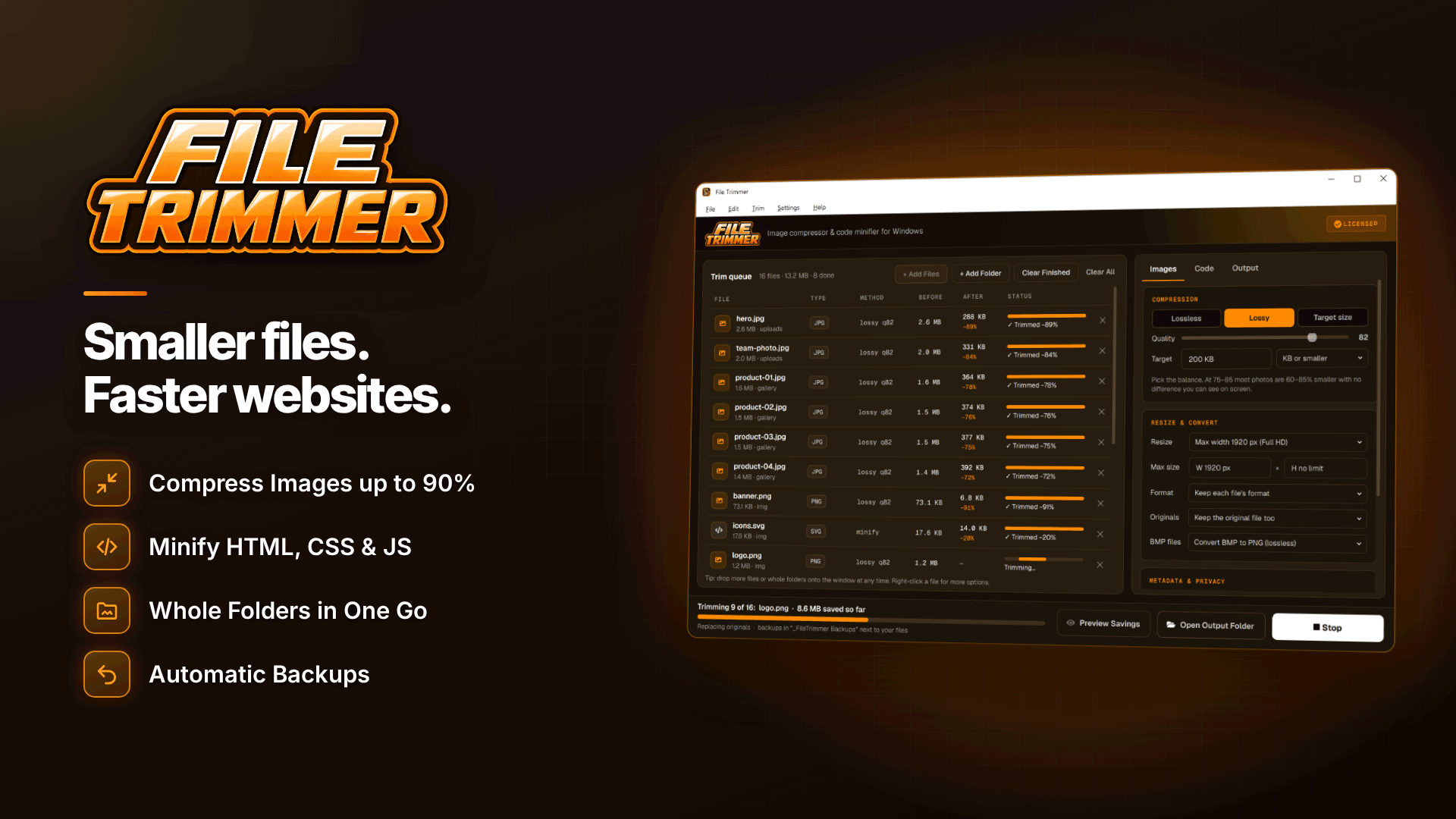
To make your tube site load faster, cut the weight of what every page serves: thumbnails, gallery images, CSS, JavaScript and template files. On a Windows PC, File Trimmer does that in batches, compressing whole thumbnail folders, minifying templates and creating GZIP and Brotli copies for your server, with originals backed up first. It does not touch video, so encoding and streaming need separate attention.
This walkthrough covers where the weight on an adult site actually comes from, how the software handles each part, and the limits you need to know before pointing it at a live site.
Where the page weight on a tube site comes from
A tube site category page might show 40 to 100 thumbnails, each with a hover preview, plus ad zones, a header and a footer. Multiply that by every page view and images quickly become the biggest share of bandwidth outside video itself. Typical culprits:
- Oversized thumbnails generated at a larger size than the grid displays.
- Uncompressed JPGs and PNGs from content providers or older scripts.
- Gallery images on paysite tours and free hosted gallery pages.
- Bloated templates: CSS and JavaScript with comments and whitespace, plus PHP templates from commercial tube scripts.
- Hidden image data: EXIF, embedded thumbnails and colour profiles.
If you are still building out, our guide on how to start a tube site covers the content and compliance side.
How to compress thumbnails for a tube site
Thumbnails are where most tube sites have the most to gain, and where batch processing matters, because you may have tens of thousands of them. The software compresses JPG, PNG, WebP, GIF, BMP and TIFF in three modes:
| Mode | What it does | Good for |
|---|---|---|
| Lossless | Smaller files with no change to image quality | Logos, UI graphics, safe first pass |
| Lossy (quality slider) | Re-compresses at a chosen quality | Thumbnails and gallery photos |
| Target size | Aims for a size, for example under 200 KB or 50% smaller | Meeting a fixed budget per image |
It also resizes by maximum width or height and never enlarges, which fixes the common problem of thumbnails generated far larger than the grid displays. PNGs can be converted to WebP, and animation is preserved for GIF and WebP, so animated previews survive.
Strip hidden data from images
The software can remove EXIF data, GPS location, embedded thumbnails and colour profiles, auto-rotating photos first so they do not end up sideways. Removing GPS data is good practice on any adult site; images from creators or amateur uploads can carry location data. Note that removing colour profiles can shift colours slightly, so test a sample first.
Minifying templates: HTML, CSS, JavaScript and PHP
Tube scripts and paysite tours ship with readable, commented templates. File Trimmer minifies HTML, CSS, JavaScript, PHP, JSON, XML, SVG and SQL by removing only comments, blank lines and extra whitespace, with an option to keep licence and documentation comments, which matters for commercial scripts and libraries.
Be clear about what that means. It is safe minification, not a code optimiser. It does not rename variables, merge files or remove unused CSS, and the code behaves exactly as before. The one caveat is that removing all whitespace between HTML tags can shift some layouts, for example spacing between inline buttons in a thumbnail grid. Invalid JSON, XML or SVG files are left untouched. For a fuller explanation of the technique, read how to minify HTML, CSS and JavaScript.
GZIP and Brotli precompression
The software can also create GZIP and Brotli copies of web files. Serving precompressed files saves your server from compressing the same CSS and JavaScript on every request, which helps on busy adult sites where CPU and bandwidth both cost money. Your server has to be configured to serve the .gz and .br files, so check with your host. Our guide to choosing adult-friendly web hosting lists what to ask about compression and caching.
A batch workflow for a large site
- Download the folders you want to trim, such as thumbnails, galleries and the template directory.
- Use Preview Savings to see the expected reduction per file without changing anything.
- Create a preset for each job, such as "thumbnails: lossy, max width, strip EXIF" and "templates: minify, keep licence comments, create GZIP and Brotli".
- Run the batch on whole folders and sub-folders. The folder structure is preserved, so paths in your database still match.
- Check the backups: originals go into a dated backup folder per batch and can be restored. Or write to a separate output folder; the software refuses an output folder that would overwrite originals.
- Test a staging copy, then upload the trimmed files, not the backup folders.
- Export the CSV report as a record of what changed.
Drag-and-drop, the Explorer right-click menu, saved presets and recent folders make it practical to repeat this every time you add a new batch of content.
A hypothetical example
Picture a mid-sized tube site with around 30,000 scenes, each with a main thumbnail and a handful of rotating preview frames, all generated years ago by an older script at a larger size than today's grid uses. The owner downloads the thumbnail directory, previews savings on a sample folder, settles on a lossy quality that looks identical at grid size, adds a maximum width matching the template and strips EXIF data. The batch runs overnight with folder structure preserved, so no database paths change. Templates get the minify-and-precompress preset, with licence comments kept. After testing on staging, only the trimmed folders go back to the server. The numbers will depend entirely on how bloated the originals were, which is exactly what the preview and the CSV report tell you before and after.
What it will not do
Being explicit about the limits avoids nasty surprises:
- No video or audio. It does not compress, encode or trim video files. For that side, see video encoding settings for a tube site.
- Code is only stripped of comments and whitespace. No deeper optimisation.
- No password-protected PDFs, if you also use it for documents.
- WebP conversion needs care. If you convert PNGs to WebP and delete the originals, any page or database row pointing to the old file names will break. Update references first.
- Lossy mode reduces quality according to the slider, so test before running it on every thumbnail you own.
- Windows only: 64-bit Windows 10 (version 1809 or later) or Windows 11, licensed for one PC. Processing is entirely offline; the internet is used only for activation, licence checks and updates, with 7 days offline allowed.
- Turning backups off means there is nothing to restore.
Never upload backup folders. A backup folder sitting in your web root doubles your storage and can expose original images you meant to replace. Keep backups on your PC or in private storage.
Frequently asked questions
Will compressing thumbnails hurt my video SEO?
Not if they still look good. Smaller, faster thumbnails generally help page speed. Our guide to video SEO for adult and tube sites covers thumbnails' role in rankings.
Can I run it on a live server?
No. It is a Windows desktop app that works on folders on your PC. Download, trim, test, then upload.
Does it keep my folder structure?
Yes. Whole folders and sub-folders are processed with the structure preserved, so existing image paths keep working unless you convert formats.
Next steps
Pick one heavy category page, measure its weight, then trim its thumbnails and templates and measure again. If your bottleneck turns out to be the server, compare options in our adult web hosting directory. To batch-compress thumbnails, minify templates and create GZIP and Brotli copies with backups on Windows, take a look at File Trimmer.


