
The simplest way to make a personal website without coding is to start from a responsive template in a visual website builder, replace the text and photos with your own, add your platform links, set a page title and description for search engines, and publish the files to a domain and hosting plan you control. For most creators a three- to five-page, safe-for-work hub site is enough, and it can be live in an afternoon.
The point of a personal website for content creators is ownership. Your fan platform account, your social profiles and even your link-in-bio service can be suspended or changed without warning. A site on your own domain stays where you put it, gives search engines one authoritative page about you and gives brands, collaborators and press a professional place to find you.
What should a creator's personal website include?
Keep it small and focused. A good creator portfolio website usually has:
- Home: who you are, what you make and one clear button to your main platform.
- Links: every official profile in one place, so fans can check which accounts are really yours.
- About or press: a short bio, approved photos and a contact route for collaborations.
- FAQ: where to find you, how custom requests work and what you will never ask fans for.
- Legal pages: a privacy notice and, if you use analytics or embeds, cookie information.
Keep the site itself non-explicit and link out to platforms that handle age checks and payments. Hosting adult material directly brings age assurance duties in the UK and parts of the EU; our guide to age verification for creator websites explains where the line sits. If you want a full self-hosted fan site with subscriptions instead, read how to create your own fan site first, because that is a much bigger project.
What do you need before you start?
- A domain name. Ideally your creator name. Use your registrar's privacy option where it is offered so your home address is not published in public records.
- Web hosting. Any basic plan that serves static HTML pages will do. Check that the host's terms accept adult-adjacent brands, and note the FTP or SFTP login details it gives you.
- Your brand assets. A profile photo, two or three safe-for-work images, a short bio and a consistent tagline. Our guide to personal branding for creators helps you settle these.
- A separate business email. Never publish your personal address.
How to make a personal website without coding, step by step
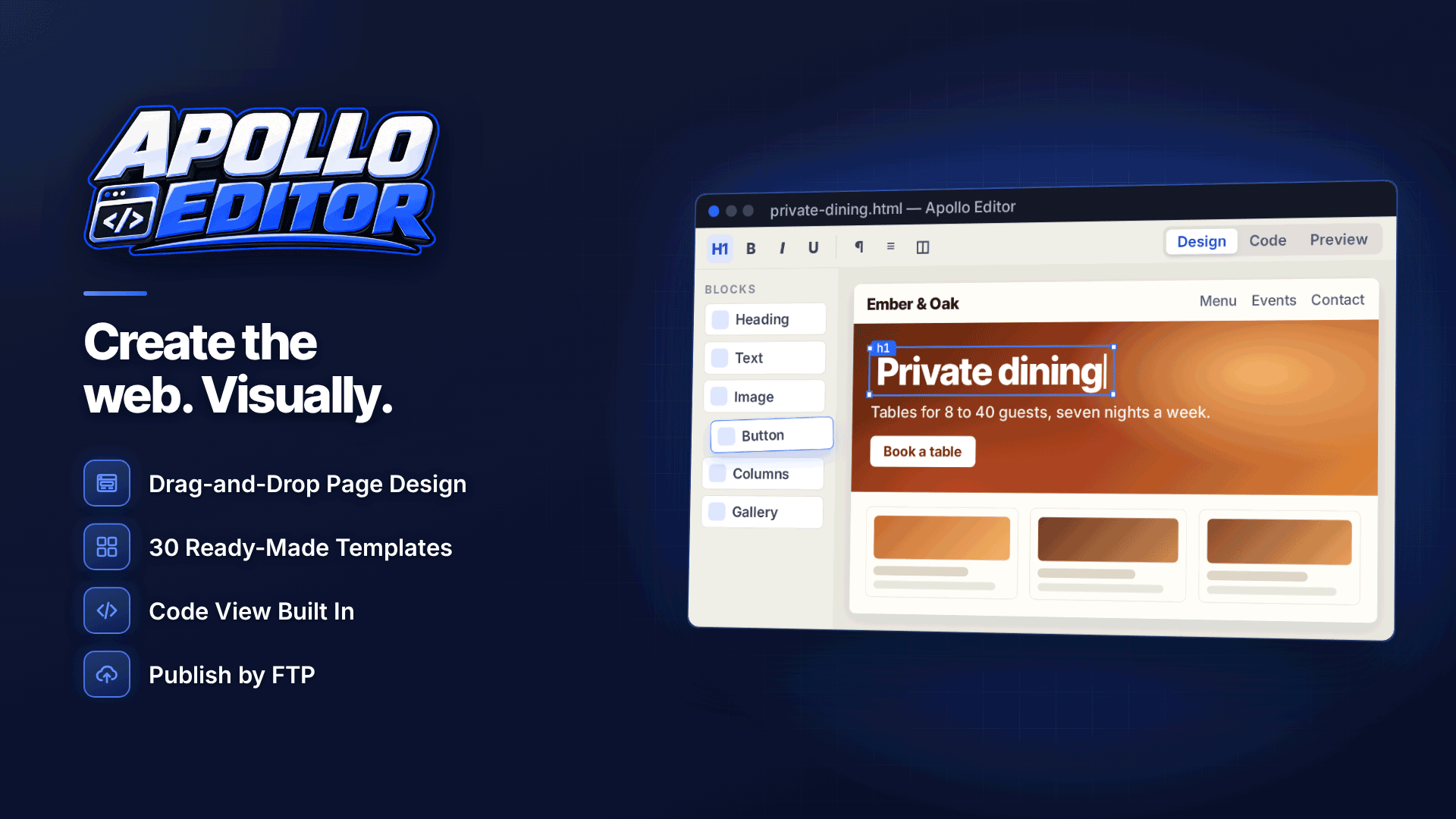
A desktop website builder lets you work offline and keeps the finished site as ordinary HTML files, which matters if you ever want to move host or hand the site to someone else. As an example, Apollo Editor is a Windows WYSIWYG editor and website builder that works this way and has no proprietary project format.
1. Pick a responsive template
The software includes 30 responsive website templates, with categories such as portfolio, personal, CV and blog, plus launch and coming-soon pages. Choose one with a simple layout; you can change colours and fonts later. Responsive templates rearrange themselves for phones, which is where most of your visitors will come from.
2. Add sections by dragging them in
Twenty ready-made sections can be dragged onto a page: headers and navigation, hero banners, galleries, cards, testimonials, accordions, tabs, FAQs, contact forms and footers. A hero, a links section built from cards and an FAQ accordion cover most creator homepages. Note that a contact form on a plain HTML site needs something on the server to receive submissions, so ask your host what it supports or simply show your business email.
3. Edit text and images visually
Click into any heading or paragraph and type. Image Properties lets you swap photos and add alt text, which helps accessibility and image search. Resize photos before inserting them so pages stay quick on mobile data.
4. Adjust the look
The CSS Style Designer changes fonts, colours, spacing, borders and shadows without writing CSS, with separate settings for phone and tablet widths. Match your platform banners so the site feels like part of the same brand.
How do you make the site findable and shareable?
Each page has its own Page Properties: set a title such as "Your Name, creator and model: official links", a one-line meta description, the page language and a canonical URL. Add social sharing tags so links posted on X or in messaging apps show your chosen image and description, and add a favicon so the site is recognisable in browser tabs. These basics matter more than any trick; see SEO for creators for what to do next.
Preview the site at desktop, tablet and phone sizes before publishing, and check that the main platform button is visible without scrolling on a small screen.
How do you publish the website with FTP?
Apollo Editor does not include hosting, so you publish to the host you chose. Enter the server details once, run a connection test and publish by SFTP or FTPS where your host supports them (plain FTP is unencrypted). Later updates can send only the pages you changed. You can also publish to a local folder or ZIP if your host prefers uploads through its own file manager. For a fuller walkthrough of host settings and folders, see uploading website files with FTP or SFTP.
Safety check: before going live, read every page as a stranger would. Remove anything that reveals your location, real name (unless you use it professionally), workplace or regular schedule, and check photos for identifying backgrounds.
Personal website or link-in-bio page?
| Link-in-bio page | Personal website | |
|---|---|---|
| Set-up time | Minutes | An afternoon |
| Ownership | Lives on someone else's service | Your domain, your files |
| Search visibility | Limited | Full control of titles, descriptions and content |
| Design freedom | Template options only | Any layout and page count |
Many creators use both: the link-in-bio page in social profiles and the website as the permanent home. Our comparison of link-in-bio tools for creators covers the first half of that set-up.
Frequently asked questions
Do I need to know HTML to run my own site?
No. A visual editor handles the markup while you type and drag. It is still worth recognising a link or an image tag in code view, because that makes small fixes quicker.
Can I move my site to another host later?
Yes, if the site is plain HTML files. You upload the same folder to the new host and point your domain at it, with no export or conversion step.
How often should I update a creator website?
Whenever your links, platforms or collaboration details change, and at least every few months to check that everything still works. An out-of-date link page can send fans to an abandoned or impersonated account.
Next steps
Write your bio and gather your links first, then build the hub site and point your social profiles at it. If you would like a visual, template-based way to create and publish the site to your own host without coding, try Apollo Editor.



