Should I build a separate website for each country? Usually not by default: one well-structured site with localised sections is easier to rank, maintain and trust. Separate country sites make sense when markets genuinely differ in language, offers, payment methods or law, and you can give each one real local content. Sites that only swap the country or city name are doorway pages, and search engines treat them as spam.
This guide helps you decide, then shows how to produce country or city micro-sites efficiently if they are the right call, without falling into the template trap.
One site or many: the main options
For European targeting you have three common structures, each with trade-offs. Our detailed comparison of ccTLDs, subdomains and subfolders goes further, but in short:
| Structure | Example | Strengths | Weaknesses |
|---|---|---|---|
| One site, subfolders | example.com/de/, example.com/fr/ | Shared authority, one codebase, simplest upkeep | Weaker local signal; one brand for every market |
| Separate country domains | example.de, example.fr | Strong local signal and trust; local branding | Each domain builds authority from scratch; more admin |
| Micro-sites per city or region | berlin-example.com | Very focused topic | High doorway risk; thin content; heavy maintenance |
Should you build a separate website for each country?
Build separate sites when most of these are true:
- Different language and search behaviour. German, Polish and Italian searchers use different terms, not just translated ones.
- Different offers. The affiliate programs, products or services you promote vary by country.
- Different payment methods and legal requirements. What converts in the Netherlands is not what converts in Spain, and age-assurance or advertising rules differ by country.
- Local branding helps. A local domain can lift click-through and trust in some markets.
- You can resource it. Someone can write, update and check each site properly.
If you are still deciding which markets to enter, start with how to choose which European markets to target first.
A worked example: deciding market by market
Here is a hypothetical affiliate promoting dating offers across Europe, deciding whether to split its English-language site.
- Germany and Austria: German-language search, strong local programs and specific youth-protection rules. A separate German-language site, or a German section written natively, is justified.
- Sweden, Denmark and Norway: high English proficiency, smaller search volumes and broadly similar offers. A single English site with a short Nordic section probably serves them better than three thin national sites.
- France and Belgium: French-language search, different payment habits and active age-verification enforcement in France. A French site or section is worth building, with Belgium handled inside it.
- Ten city pages for the UK: same national offers everywhere. No case for separate pages; one strong UK page wins.
The outcome is two new localised properties instead of fifteen, each with enough substance to rank.
What separate sites demand once they are live
The build is the easy part. Each extra site adds ongoing work that is easy to underestimate:
- Content updates in each language whenever an offer, rule or program changes.
- Domain renewals and hosting accounts to track, with the risk that a lapsed domain takes its rankings with it.
- Separate link building, because a new domain does not inherit your main site's authority.
- Compliance checks per market, from cookie banners to advertising disclosures.
- Reporting per site, so you can see which markets actually earn.
If you cannot commit to that for a market, a localised section on your main site is the safer choice.
How do you create location pages without doorway pages?
Google's spam policies define doorway abuse as sites or pages created to rank for specific, similar search queries, and give as an example "having multiple domain names or pages targeted at specific regions or cities that funnel users to one page". The same policies warn against scaled content abuse: many pages generated mainly to manipulate rankings.
So the test is simple: would a visitor from that country or city find something on this site they would not find on the others? Local pages earn their place with:
- Native-language copy written or properly edited by a fluent speaker, not raw machine translation.
- Local offers: programs, products and payment methods that are actually available there.
- Local facts: rules, delivery details, opening hours, events or local currency where relevant.
- Local proof: examples, case notes or reviews relevant to that market (real ones, never invented).
Our guide to website localisation beyond translation covers what that looks like in practice.
Rule of thumb: if you could produce the site by find-and-replace on a place name, do not publish it. Merge it into a stronger page instead.
How to produce multi-country micro sites efficiently
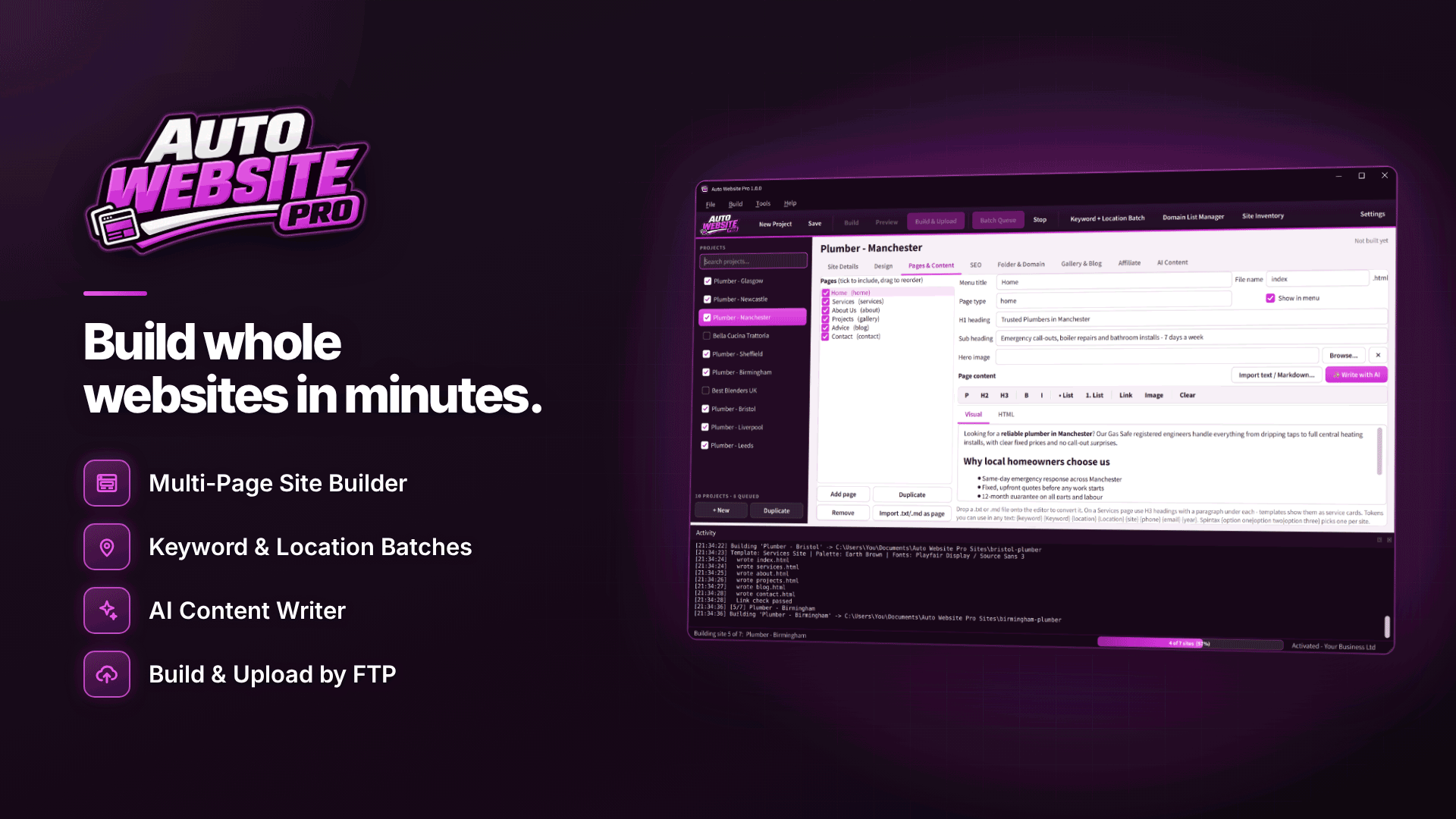
If separate sites are justified, the building itself can be automated so your time goes on the local content. Auto Website Pro is a Windows tool for building multi-page static websites in batches, and it has two features designed for this situation:
- Keyword + Location Batch. Creates one project and site per location, inserting the location into titles, headings, meta descriptions and text. Useful for scaffolding, but only the starting point.
- CSV Content Import. Creates one site per spreadsheet row, which is the better route for country sites: each row can hold genuinely different headlines, intros, offers and FAQs written for that market.
The vendor's own guidance recommends genuinely different content per location site rather than only swapping the location name, and discusses doorway pages and scaled content abuse. Take that seriously. A practical workflow:
- Build a spreadsheet with one row per country and columns for every section that should differ.
- Have each row's copy written or edited by a native speaker.
- Import the CSV, pick a template, and use custom templates with tokens such as {location} only for small, factual details.
- Preview each site at desktop, tablet and phone sizes.
- Assign each site its own domain in the Batch Queue and let the broken-link check run before upload; sites with broken links are held back by default.
Optional AI drafting via your own OpenAI API key can speed up first drafts, but a native speaker should review every page. Machine-sounding copy is exactly what localisation is meant to avoid.
Sitemaps, robots.txt, canonicals and hreflang per site
Each country site needs its own technical basics:
- sitemap.xml listing that site's pages, submitted in its own Search Console property.
- robots.txt that does not accidentally block the site.
- Self-referencing canonical tags, so each page claims itself as the preferred version rather than pointing at another country's site.
- hreflang annotations linking equivalent pages across language or country versions, so search engines show the right one to each user.
Auto Website Pro generates sitemap.xml and robots.txt per site and handles titles, meta descriptions, canonical links, noindex and Open Graph tags, but sitemaps and canonicals need a domain or base URL set first. Hreflang relationships between separate domains are something you plan and check yourself; our practical hreflang setup guide explains how.
What about local landing pages for multiple cities?
City pages are where doorway problems most often start. A service business with genuine branches, staff or delivery areas in several cities can justify a page for each, if each page carries real local detail. An affiliate site creating fifty city pages for the same national offer rarely can. In most cases, a single strong country page with a section on regional differences serves users better than a page per city.
Frequently asked questions
Do ccTLDs rank better in their own country?
A country-code domain is a strong signal of who a site is for, and local users may trust it more. It does not outrank better content on its own, and each new domain starts without the authority your main site has built.
Can I reuse the same template for every country?
Yes. Sharing design is fine; sharing content is the problem. Varied colour schemes and fonts help sites feel distinct, but what matters to search engines and users is what the pages say.
Is machine translation enough?
Not for pages you want to rank and convert. Use it for a first draft if you like, then have a fluent speaker rewrite it for local search terms and tone.
Next steps
List your target countries, write down what would genuinely differ on each site, and only build the ones where that list is long. Browse our webmaster software directory for related tools, or see how Auto Website Pro handles CSV imports and batch uploads for country sites.