
GDPR does not mention backups by name, but Article 32 requires "appropriate technical and organisational measures" for security, explicitly including the ability to restore the availability of and access to personal data in a timely manner after a physical or technical incident, and a process for regularly testing those measures. In practice that means you need backups that work, are protected (usually encrypted), are tested, and are kept no longer than your retention policy allows. The same rules apply under the UK GDPR.
This guide is for UK and EU site owners, affiliates and small adult businesses that hold member, customer or subscriber data. It explains which parts of the regulation apply to backups, what "appropriate" looks like for a small operation, and how to set the controls up. It is general information, not legal advice; take professional advice for decisions about your own processing.
What does GDPR say about backups?
Several provisions of the GDPR point directly at how you back up personal data:
| Provision | What it requires | What it means for backups |
|---|---|---|
| Art. 32(1)(a) | Pseudonymisation and encryption, as appropriate | Encrypt backups, especially those leaving your premises |
| Art. 32(1)(b) | Ongoing confidentiality, integrity, availability and resilience of systems | Backups protected from unauthorised access and corruption |
| Art. 32(1)(c) | Ability to restore availability and access in a timely manner after an incident | You must be able to restore, not just copy |
| Art. 32(1)(d) | Regularly testing, assessing and evaluating the measures | Test restores and check backups succeed |
| Art. 5(1)(e) | Storage limitation | Backups cannot keep data forever |
| Art. 5(2) | Accountability | Document what you do and be able to show it |
Article 32 is risk-based. A one-person affiliate site with a newsletter list is not expected to run the same set-up as a large platform, but the measures must be appropriate to the risk. If you handle ID documents, payment records or data revealing people's sex life, the risk is higher and so is the bar; see our guide to when a DPIA is required.
Why is losing data a breach?
A personal data breach under the GDPR is not only a leak. The definition covers a security breach leading to the accidental or unlawful destruction or loss of personal data, as well as unauthorised disclosure. If ransomware encrypts your member database and you cannot restore it, that is a loss of availability, and depending on the risk to the people involved it may need to be reported to the regulator within 72 hours. A recent, working backup is often what decides whether an incident is a short outage or a serious breach. Our guide to data breach notification within 72 hours covers the assessment.
What backup controls does a small website business need?
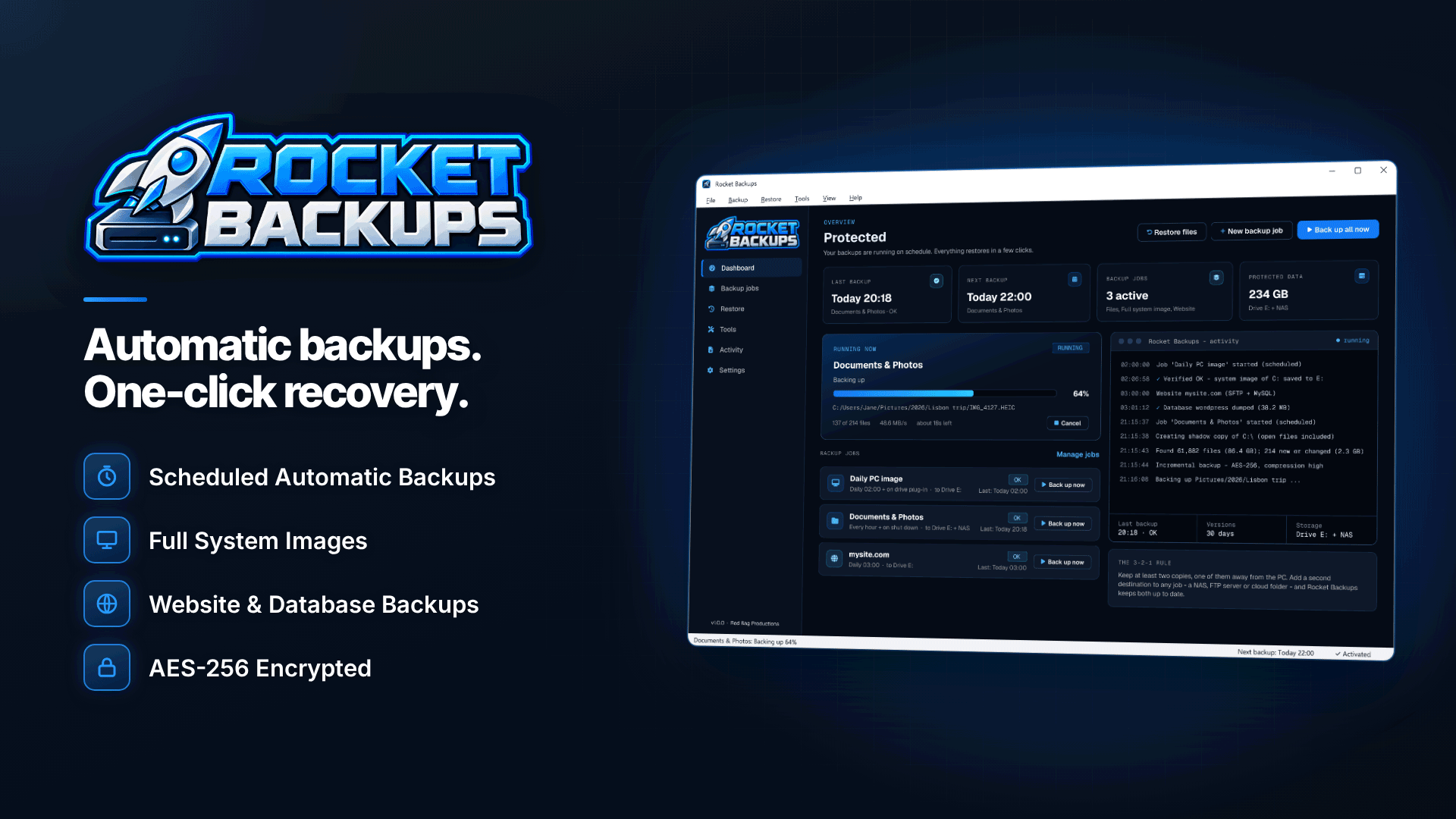
Turning the legal principles into practice gives you a short checklist. Below, each control is shown with how it can be set up in Rocket Backups, a Windows backup tool that stores encrypted, verified backups on your own drives, network storage or cloud folders.
1. Back up what you actually rely on
For a site business that usually means the website files and database, plus the office PC where exports, invoices and correspondence live. The software covers website files over SFTP, FTPS or FTP with MySQL databases on a schedule, plus folders, whole drives and full system images of the PC.
2. Encrypt the backups
A backup of a member database is as sensitive as the database itself, and an unencrypted backup drive that goes missing can be a breach in its own right. Set AES-256 encryption with a strong password, and store that password somewhere other than the backup drive. Encryption also strengthens your position if a device is lost, because data that is securely encrypted is far less likely to put people at risk.
3. Verify every run and test restores
Article 32(1)(d) asks for regular testing. Verification after every run catches backups that did not complete properly, and email alerts flag failed jobs, missing drives or low space. Verification is not the same as a restore test, so also restore a sample of files, or the whole database to a test environment, on a fixed schedule, such as quarterly, and write down the result.
4. Set retention that matches your policy
Storage limitation applies to backups. Choose retention rules (daily, weekly, monthly or a fixed number of versions) so old copies age out on a known schedule, and make sure your privacy information and records reflect it. When someone asks you to erase their data, the ICO's right to erasure guidance says backup copies may remain until they are overwritten on your schedule, but they must be put "beyond use" meanwhile and you must be clear with the person about what happens. A defined retention period is what makes that answer credible.
5. Keep one copy offline for ransomware
Ransomware can encrypt any backup it can reach. The UK's National Cyber Security Centre advises keeping a backup device in a secure place and not leaving it connected to your computer. Rocket Backups can start a backup when the backup drive is plugged in, so a routine of "plug in, let it run, unplug" keeps that copy disconnected between runs, and its timeline restore lets you go back to file versions from before an infection.
6. Keep a second copy somewhere else
A fire, theft or flood can take the office PC and the backup drive together. Each backup can also go to a second location, such as a NAS, an SFTP server or a cloud sync folder. If that location is a cloud service, the provider is processing data for you, so check its terms and data location and keep the backups encrypted before they leave your PC. Our guide to encrypting website backups before off-site storage goes into more detail.
What should you document?
Accountability means being able to show your measures, not just having them. A one-page backup policy is enough for most small businesses:
- What is backed up (site files, database, office PC) and how often.
- Where backups are stored, including any off-site or cloud location.
- How they are protected (encryption, who has the password, offline copy).
- Retention periods and how they relate to your erasure process.
- How and when restores are tested, with a log of results.
- Who is alerted when a backup fails and what they do.
Mention backups and retention in your privacy information where relevant; see our guide to a privacy policy for an affiliate website.
A worked example (hypothetical)
A two-person membership site keeps its MySQL database and site files on shared hosting and runs the business from one Windows PC. A sensible set-up would be: a nightly backup of the site files and database to the PC's second drive, keeping 14 daily, 8 weekly and 12 monthly versions; a weekly system image of the PC to an external drive that is plugged in on Fridays and unplugged afterwards; every backup also copied, encrypted, to a cloud sync folder; failure alerts to both owners; and a quarterly test restore of the database to a staging site, logged in a shared document. None of this needs an IT department, but it covers each Article 32 point.
Common mistakes
- Relying on the host alone. Host backups on the same account can disappear with it.
- Treating sync as backup. Sync copies deletions and ransomware damage too.
- Never testing. An untested backup is a hope, not a control.
- Keeping everything forever. Unlimited retention conflicts with storage limitation and makes erasure requests harder.
- Leaving old devices with recoverable copies. See whether permanently deleted files can be recovered.
Frequently asked questions
Does GDPR require backups to be encrypted?
It names encryption as an example of an appropriate measure rather than mandating it in every case. For backups of customer or member data, especially on portable drives or in the cloud, encryption is usually the appropriate choice.
How long should I keep backups under GDPR?
There is no fixed period. Keep them only as long as you need them for recovery, set that period in your retention policy, and make sure old versions are removed automatically.
How often should I test a backup restore?
The regulation says "regularly" without defining it. Quarterly test restores, plus a check after any major change to your site or systems, is a reasonable starting point for a small business.
Next steps
For outside help with audits and policies, see the compliance and verification services directory. To put the controls in place, set up encrypted, verified backups with sensible retention, an offline drive and a second location in Rocket Backups, then book your first test restore.


