
To encrypt files containing personal data, use strong encryption such as AES-256 at file or folder level, protect it with a long unique password, keep a recovery key somewhere separate, and delete the unencrypted originals securely. On Windows 11 Home, which lacks the full BitLocker feature set, that usually means a dedicated file-encryption tool that also covers USB sticks and files you sync to cloud storage.
Encryption is not a box-ticking exercise. If a laptop with customer exports is stolen, whether the files were properly encrypted can decide whether you are dealing with a lost device or a reportable personal data breach.
Is encryption required under GDPR?
Not in so many words. UK GDPR and EU GDPR require you to keep personal data secure using "appropriate technical and organisational measures", taking into account the state of the art, the cost of implementation and the risks to people. Encryption is named in the law as an example of such a measure, and the ICO's guidance on encryption says that while the law does not require you to use it, you should consider encrypting personal information you store or transmit.
In practice, for a small site holding customer emails, payment references, support conversations or ID documents, it is hard to argue that leaving those files unencrypted on a portable device is appropriate. The ICO also notes that failing to implement measures such as encryption can lead to regulatory action.
Why it matters after a breach
When a device goes missing, you have to assess the risk to the people whose data was on it. Strong encryption, with the key not stored alongside the data, can significantly reduce that risk. Our guide to the 72-hour breach notification rule explains how to make that assessment and when you still need to report.
Which files should a site owner encrypt?
Start with an honest look at what sits on your PC and in your synced folders. Common examples for webmasters include:
- CSV exports of members, subscribers or customers from your CMS or payment processor;
- KYC copies: passports, driving licences and proof of address from affiliates, performers or staff;
- support tickets and chat logs saved for disputes or chargebacks;
- subject access request responses and complaint files;
- database dumps and site backups (see our guide to encrypting website backups before offsite storage).
Adult sites need to be particularly careful. Membership of an adult site can reveal information about someone's sex life, which is special category data under GDPR; our article on special category data on adult sites explains the extra obligations.
File encryption or whole-drive encryption?
These do different jobs, and most businesses benefit from both.
| Whole-drive encryption | File and folder encryption | |
|---|---|---|
| Protects against | A powered-off laptop being stolen | Access while the PC is on, shared PCs, copies in cloud folders and on USB sticks |
| Once you log in | Everything is readable | Files stay locked until you open them with the password |
| Copies elsewhere | Files leave unencrypted when copied off the drive | Encrypted files stay encrypted wherever you copy them |
On Windows Home editions, Microsoft offers Device Encryption on supported hardware, which encrypts the system drive. Standard BitLocker, with its wider controls, is limited to Pro, Enterprise and Education editions. Turn on Device Encryption if your PC supports it, but remember it does nothing for a file once it has been copied, emailed or synced elsewhere.
How to encrypt a folder in Windows 11 Home
Because Home editions do not give you file-level encryption tools to rely on, the practical answer is a third-party encryption app. Whatever you choose, look for AES-256, a password strength check, a recovery option and secure deletion of the originals.
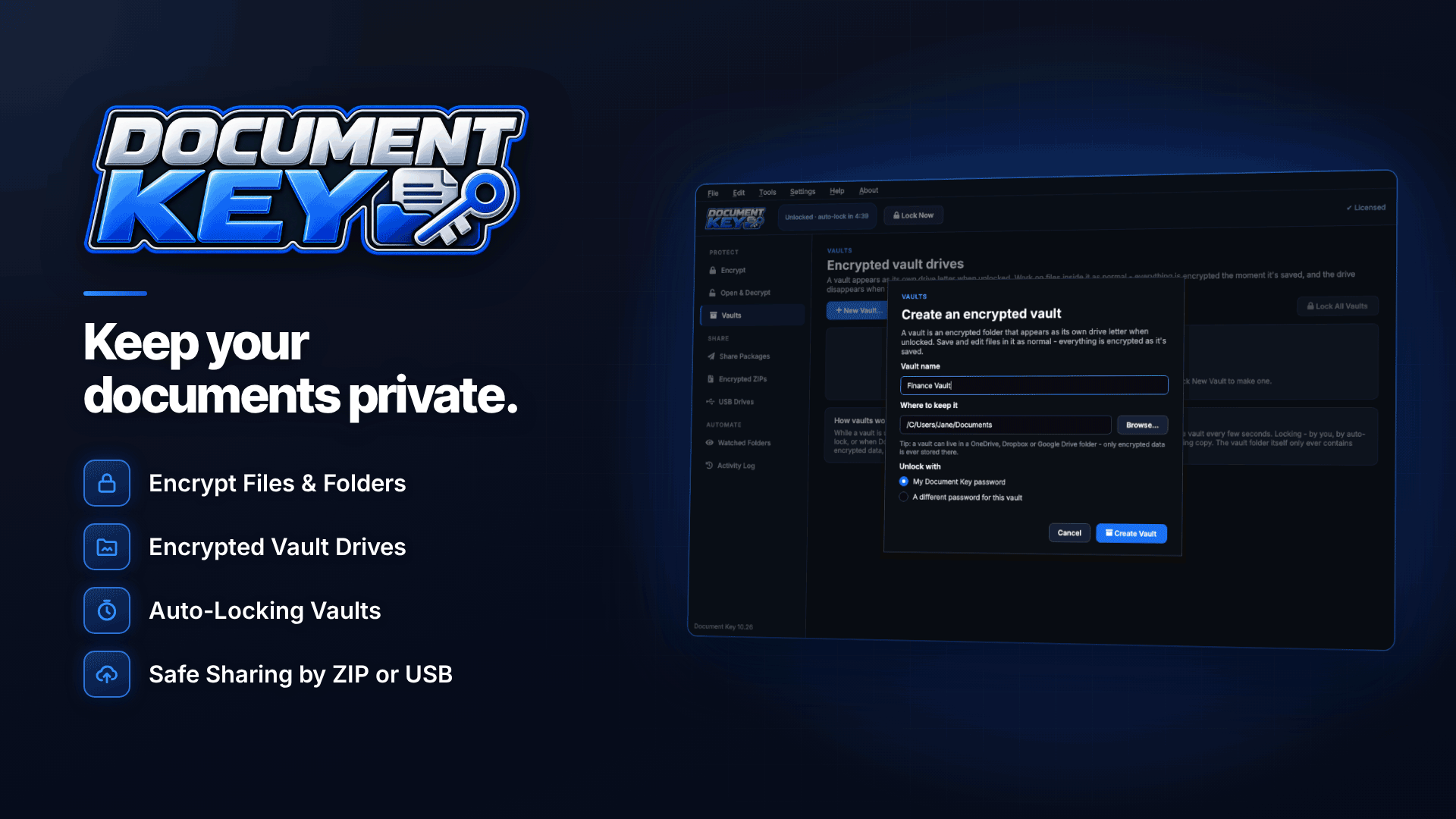
One Windows tool built for this is Document Key, which works on Windows 10 and 11 including Home editions and runs entirely locally, with no account or cloud service. A typical setup looks like this:
- Set a strong password. The built-in strength meter and generator help, and repeated wrong guesses are slowed down.
- Save the recovery key offered during setup, somewhere separate from the PC, such as a printed copy in a safe or a password manager.
- Encrypt existing folders by right-clicking in File Explorer or dragging them onto the app. Any file type works; encrypted files get a .dkey extension, and saved edits are re-encrypted.
- Securely delete the originals. The secure delete option overwrites the unencrypted copies so they cannot simply be recovered from the drive.
- Set up a watched folder for exports. New files saved there, such as a weekly members CSV, are encrypted automatically once complete.
- Turn on auto-lock so the app and vaults lock when the PC is idle, sleeps or you lock Windows.
Vault drives for working files
If you work with a set of sensitive files every day, a vault drive can be easier than locking and unlocking files individually. An unlocked vault appears as its own drive letter in File Explorer and disappears when locked. The activity log records locking, opening, decrypting and sharing, which helps you show what happened if you ever have to investigate.
Encrypting files before uploading to cloud storage
OneDrive, Dropbox and Google Drive encrypt data on their servers, but the provider manages those keys and anyone who gets into your account sees your files in plain form. Encrypting files before they reach the synced folder adds a layer the provider cannot open. Files encrypted with the tool remain encrypted inside OneDrive, Dropbox and Google Drive folders, so a compromised cloud account exposes only locked files.
If you rely on US-based cloud services, also read our guide to using US tools under the EU-US Data Privacy Framework.
How to encrypt a USB drive without BitLocker
USB sticks and external drives are the classic way personal data gets lost. Without BitLocker, encrypt the files on the stick itself: the software can encrypt files on USB sticks and external drives, so anyone who finds the stick sees only encrypted files. Better still, avoid carrying personal data on removable media unless you genuinely need to.
The lost-password problem
Strong encryption cuts both ways. If you lose both your password and your recovery key, the files cannot be opened, and the vendor cannot recover them. That is a sign the encryption is real, but it is also a business-continuity risk. Plan for it:
- store the recovery key offline and away from the encrypted data;
- record which password protects which set of files in a password manager;
- make sure a trusted person can access the recovery key if you are unavailable;
- keep encrypted backups, so a corrupted file does not mean lost data.
Common encryption mistakes
- Encrypting a copy but keeping the original. An encrypted folder next to an unencrypted one protects nothing. Securely delete the plain versions.
- Forgetting the downloads folder. Exports from your CMS, processor or helpdesk usually land in Downloads first. Point them at a watched folder instead.
- Writing the password on the stick. Storing the key with the data defeats the purpose, as the ICO points out.
- Reusing a weak password across every encrypted file. One leaked password then unlocks everything.
- Leaving vaults open all day. Use auto-lock so an unattended, unlocked laptop does not undo your work.
- Not writing it down. Record your encryption approach in your security policy or records of processing, so you can show what you did if the ICO ever asks.
Frequently asked questions
Does encrypting files mean I don't have to report a breach?
Not automatically. Encryption can reduce the risk to individuals, which feeds into whether a breach is reportable, but you still have to assess and record every incident. If the key or password was also compromised, the encryption offers little protection.
Is AES-256 good enough for GDPR?
AES-256 is a widely trusted, current standard. The ICO advises choosing a trusted algorithm and a key size large enough to make attacks unlikely to succeed; how you manage passwords and keys matters just as much.
Can I still open my files if my licence lapses?
With this particular tool, opening and decrypting your own files works without a licence; creating new encrypted files, packages, vaults and watched folders requires an installation key.
Next steps
Map where personal data lives on your devices, switch on drive encryption where you can and add file-level encryption for anything that travels. For the broader compliance picture, see our guide to GDPR and cookie compliance for affiliate websites. To encrypt files, folders, USB drives and cloud copies on a Windows Home PC, take a look at Document Key.


