
How do I keep screenshot evidence of a web page? Capture the full page at desktop and mobile widths, save each file with the date and time in its name, store it in a dated folder that is never overwritten, and repeat on a regular routine and whenever the page changes. For affiliate publishers, that simple habit creates a record of how your disclosures, offers and review claims actually appeared if anyone questions them later.
This guide explains why visual records matter under UK and EU advertising rules, what to capture, and how to turn it into a low-effort routine. It is general information, not legal advice; for a specific complaint or investigation, speak to a qualified adviser.
Why do affiliate disclosure records matter?
In the UK, the CAP Code that the Advertising Standards Authority (ASA) enforces requires marketing communications, including affiliate content, to be obviously identifiable as such. The ASA's guidance for influencers, first produced with the Competition and Markets Authority (CMA), includes advice on affiliate marketing. Since 6 April 2025 the unfair commercial practices provisions of the Digital Markets, Competition and Consumers Act 2024 have been in force, and the CMA can now decide consumer law breaches itself and impose fines of up to 10% of a business's global turnover.
In the EU, the Unfair Commercial Practices Directive treats hiding the commercial intent of content as a misleading practice, and national consumer authorities enforce it. Our guides to UK affiliate disclosure requirements and affiliate disclosure rules in the EU cover the substance.
None of these rules says "you must keep screenshots". But disputes are about what a page showed on a particular date, and pages change constantly: templates update, plugins move banners, merchants change offer terms. Without a record, you are relying on memory and a CMS revision history that may not show how the page rendered on a phone.
When do dated screenshots help?
- Regulator or ASA complaint: showing that a clear disclosure sat above the first affiliate link on the date in question.
- Network or merchant compliance review: proving you displayed the offer terms or claims the merchant supplied at the time.
- Review disputes: demonstrating what a review said before a product changed. The DMCC Act's fake reviews ban makes this especially relevant; see our explainer on the DMCC Act fake reviews ban.
- Substantiation: the CAP Code expects marketers to hold evidence for objective claims before publishing; a capture of the merchant's own page at the time shows where a figure came from.
- Internal audits: spotting the day a template change silently removed your disclosure.
What should you capture?
Focus on pages where a complaint is most likely or most costly:
| Page type | What the record should show | How often |
|---|---|---|
| Top money pages and reviews | Disclosure position, first affiliate link, star ratings, claims | Monthly and after every edit |
| Offer and deal pages | Offer terms, "was/now" figures, end dates, eligibility | When the offer starts, changes and ends |
| Comparison tables | Ranking order, any "sponsored" labels, criteria notes | Monthly |
| Merchant source pages | The merchant's own claim or terms you relied on | When you publish or update the claim |
| Disclosure and about pages | Your full disclosure wording | Quarterly and after edits |
If you advertise reductions, our guide to advertising reductions and "was" figures legally explains what you need to be able to show.
Capture both widths: a disclosure that is clear on desktop can sit below the fold, or behind a collapsed menu, on a phone. Regulators look at what consumers actually see, and many affiliate visitors arrive on phones.
How do you make dated screenshots credible?
- Full page, not a crop. Include the address and the whole page so context is clear.
- Date and time in the file name and a dated folder structure.
- Never overwrite. A record that can be silently replaced is weak.
- Keep the batch together. A single PDF per capture run is easy to hand over.
- Back up off-site and keep a simple log of when each batch was taken and by whom.
- Combine sources. CMS revision history and public web archives add independent support.
Building a screenshot evidence routine
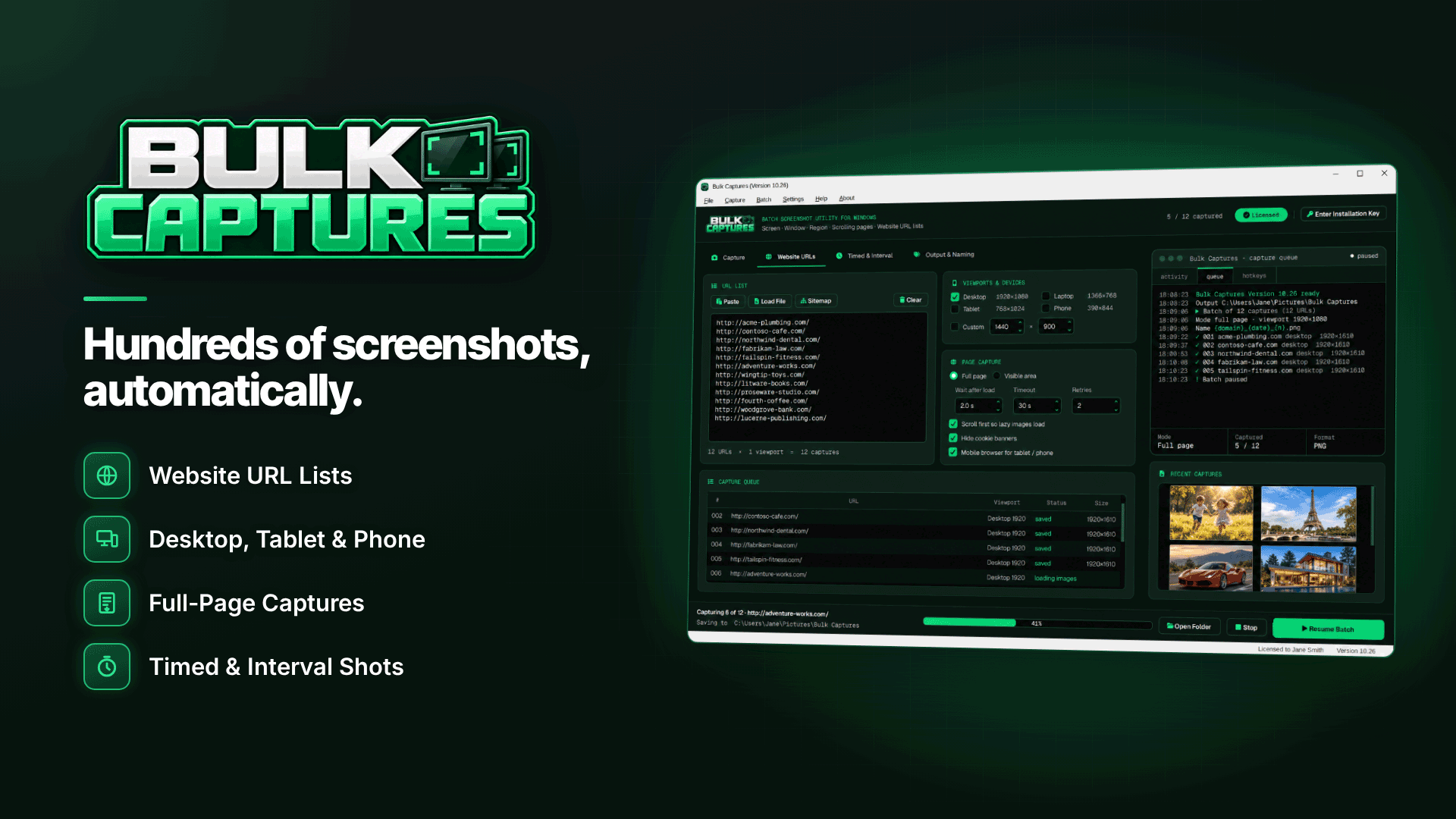
Doing this by hand is where most routines fail, so automate the repetitive part. On Windows 10 or 11, Bulk Captures captures whole lists of websites in one batch and names and saves each file automatically. A sensible setup for an affiliate publisher:
- Keep a URL list of your money pages, offer pages and merchant source pages in a TXT or CSV file, and import it (or paste it) at the start of each run. Duplicate URLs are removed automatically.
- Capture desktop and phone viewports in the same run, using full-page capture with scrolling to load lazy images.
- Decide on cookie banners. Hiding common banners gives cleaner records, but you may want one run with them visible if you need to show what a first-time visitor saw.
- Use date and time naming tokens with dated sub-folders, so every run lands in its own folder. Existing files can be set to be numbered or skipped rather than overwritten.
- Export a multi-page PDF per batch for a single, shareable record, and optionally a text or logo watermark on every image.
- Repeat on a fixed day each month and after any significant edit.
Two limits to plan around: Bulk Captures does not use your browser logins for website batches, so anything behind a login (for example a network dashboard showing your approved creatives) needs a scrolling-window, active-window or region capture instead. And its cookie-banner hiding covers common banners only, so check a few captures each time.
A worked example of the routine in practice
Take a hypothetical UK publisher running a dating and cam review site with 40 money pages. On the first Monday of each month they import the same CSV of 40 URLs plus 12 merchant source pages, capture each at desktop and phone width, and let the run save into a folder named with that day's date. The batch PDF goes to a shared drive with a one-line log entry. In month five a network asks why a review mentioned a specific joining bonus that the merchant has since withdrawn. The publisher opens the folder from the month the review was updated, finds the capture of the merchant's own page showing the same bonus on that date, and sends both PDFs. A query that could have taken a week of back-and-forth is answered in an hour.
Common mistakes
- Capturing only after a complaint arrives. By then the page has changed.
- Only keeping desktop views. Mobile is where disclosures usually go missing.
- Storing records on one laptop. Back them up.
- Ignoring merchant pages. You need to show where your claims came from, not just how you displayed them.
Frequently asked questions
Are screenshots legal proof?
They are evidence, not conclusive proof. Their weight improves when they are full-page, consistently dated, never overwritten and supported by other records such as CMS histories and web archives.
How long should I keep records?
There is no single rule for affiliate content. Many publishers keep them for several years; take advice if you have a specific dispute or a network contract that sets a retention period.
Do I need to capture every page?
No. Prioritise pages with affiliate links, claims, offers and rankings. A focused list captured reliably beats an enormous one captured once.
Next steps
Write your money-page URL list today and take a first baseline, then browse our compliance and verification services directory for wider support. For dated, multi-viewport batches and one PDF per run, see Bulk Captures.


